Google Apps Script: 10 Script Mẫu Copy-Paste Ngay Cho Doanh Nghiệp 2027
 Tuân Hoang
Google Apps Script 2026: 10 script thực tế copy-paste ngay — không cần biết lập trình chuyên sâu, chỉ cần hiểu cơ bản để tùy chỉnh theo nhu cầu.
Từ tự động gửi email, backup dữ liệu, sync sheets đến notification bot Telegram — mỗi script giải quyết một vấn đề thực tế của doanh nghiệp.
Mục lục:
1. Bắt Đầu Với Apps Script Trong 5 Phút
- Mở Google Sheets → Extensions → Apps Script
- Xóa code mặc định, dán script muốn dùng vào
- Nhấn Save (Ctrl+S)
- Nhấn Run → cấp quyền khi được hỏi lần đầu
- Xem kết quả trong sheet hoặc email
Lưu ý quan trọng về quyền truy cập:
Khi chạy lần đầu, Google yêu cầu cấp quyền. Đây là bình thường — script cần quyền đọc/ghi Sheets, gửi Gmail. Chỉ cấp quyền cho script của chính bạn viết hoặc từ nguồn tin cậy.
2. Script 1-5: Email, Báo Cáo, Backup
Script 1: Gửi Báo Cáo Email Tự Động Mỗi Sáng
Mỗi sáng 7h, tự động tóm tắt doanh thu hôm qua và gửi email cho chủ.
function guiBaoCaoSang() {
  var sheet = SpreadsheetApp.getActiveSpreadsheet()
                            .getSheetByName('DonHang');
  var data = sheet.getDataRange().getValues();

  var homQua = new Date();
  homQua.setDate(homQua.getDate() - 1);
  var ngayStr = Utilities.formatDate(homQua, 'Asia/Ho_Chi_Minh', 'dd/MM/yyyy');

  var tongDT = 0, soDon = 0;
  for (var i = 1; i < data.length; i++) {
    var ngayDon = Utilities.formatDate(new Date(data[i][0]),
                  'Asia/Ho_Chi_Minh', 'dd/MM/yyyy');
    if (ngayDon === ngayStr) {
      soDon++;
      tongDT += data[i][5]; // Cột F: doanh thu
    }
  }

  var subject = 'Báo cáo doanh thu ' + ngayStr;
  var body = 'Xin chào,

' +
    'Kết quả kinh doanh ngày ' + ngayStr + ':
' +
    '- Số đơn hàng: ' + soDon + '
' +
    '- Tổng doanh thu: ' + tongDT.toLocaleString('vi-VN') + ' đ

' +
    'Xem chi tiết: ' + SpreadsheetApp.getActiveSpreadsheet().getUrl();

  GmailApp.sendEmail('chu@company.com', subject, body);
  Logger.log('Da gui bao cao: ' + ngayStr);
}
Cài trigger: chạy hàng ngày lúc 7:00 - 8:00 sáng
Script 2: Backup Dữ Liệu Tự Động Hàng Tuần
Mỗi thứ 2, tạo bản sao toàn bộ spreadsheet vào thư mục Backup trên Drive.
function backupHangTuan() {
  var ss = SpreadsheetApp.getActiveSpreadsheet();
  var tenFile = ss.getName();
  var ngayHom = Utilities.formatDate(new Date(),
                'Asia/Ho_Chi_Minh', 'yyyy-MM-dd');

  // Tạo thư mục Backup nếu chưa có
  var folders = DriveApp.getFoldersByName('Backup-SheetStore');
  var folder = folders.hasNext() ? folders.next() :
               DriveApp.createFolder('Backup-SheetStore');

  // Copy file
  var file = DriveApp.getFileById(ss.getId());
  file.makeCopy(tenFile + '_backup_' + ngayHom, folder);

  Logger.log('Backup xong: ' + tenFile + '_backup_' + ngayHom);
}
Cài trigger: chạy hàng tuần vào thứ 2
Script 3: Cảnh Báo Tồn Kho Thấp
Kiểm tra tồn kho, gửi email danh sách hàng sắp hết để kịp đặt hàng.
function canhBaoTonKho() {
  var sheet = SpreadsheetApp.getActiveSpreadsheet()
                            .getSheetByName('TonKho');
  var data = sheet.getDataRange().getValues();
  var hangSapHet = [];

  for (var i = 1; i < data.length; i++) {
    var tenHang = data[i][0];
    var tonKho = data[i][2];
    var nguongCanhBao = data[i][3]; // Cột D: mức cảnh báo
    if (tonKho <= nguongCanhBao) {
      hangSapHet.push(tenHang + ': còn ' + tonKho + ' (ngưỡng: ' + nguongCanhBao + ')');
    }
  }

  if (hangSapHet.length > 0) {
    var body = 'CẢNH BÁO: ' + hangSapHet.length + ' mặt hàng sắp hết:

' +
               hangSapHet.join('
') + '

Vui lòng đặt hàng sớm!';
    GmailApp.sendEmail('kho@company.com', 'Cảnh báo tồn kho thấp', body);
    Logger.log('Da gui canh bao: ' + hangSapHet.length + ' mat hang');
  }
}
Script 4: Tự Động Đánh Số Đơn Hàng
Khi thêm đơn hàng mới, tự động tạo mã đơn theo format ORD-2026-0001.
function onEdit(e) {
  var sheet = e.source.getActiveSheet();
  if (sheet.getName() !== 'DonHang') return;

  var row = e.range.getRow();
  var col = e.range.getColumn();

  // Khi nhập dữ liệu vào cột B (tên khách), tự tạo mã đơn ở cột A
  if (col === 2 && row > 1 && sheet.getRange(row, 1).getValue() === '') {
    var lastRow = sheet.getLastRow();
    var soDon = String(lastRow).padStart(4, '0');
    var nam = new Date().getFullYear();
    var maDon = 'ORD-' + nam + '-' + soDon;
    sheet.getRange(row, 1).setValue(maDon);
  }
}
Script onEdit chạy tự động — không cần cài trigger
Script 5: Gửi Email Xác Nhận Đơn Hàng Cho Khách
Khi đơn hàng chuyển sang trạng thái "Xác nhận", tự động gửi email cho khách.
function onEdit(e) {
  var sheet = e.source.getActiveSheet();
  if (sheet.getName() !== 'DonHang') return;

  var row = e.range.getRow();
  var trangThai = sheet.getRange(row, 6).getValue(); // Cột F: trạng thái
  var emailKhach = sheet.getRange(row, 4).getValue(); // Cột D: email
  var maDon = sheet.getRange(row, 1).getValue();
  var tongTien = sheet.getRange(row, 8).getValue(); // Cột H: tổng tiền

  if (trangThai === 'Xác nhận' && emailKhach) {
    var subject = 'Xác nhận đơn hàng ' + maDon + ' - SheetStore';
    var body = 'Kính gửi Quý khách,

' +
      'Đơn hàng ' + maDon + ' đã được xác nhận.
' +
      'Tổng tiền: ' + tongTien.toLocaleString('vi-VN') + ' đ

' +
      'Chúng tôi sẽ liên hệ để sắp xếp giao hàng.

' +
      'Trân trọng,
SheetStore Team';
    GmailApp.sendEmail(emailKhach, subject, body);
  }
}
SheetStore — Apps Script Được Cài Sẵn
Tất cả script trên đều được tích hợp sẵn trong SheetStore — không cần tự viết
Xem Demo Miễn Phí3. Script 6-10: Sync, Form, Notification, CRM
Script 6: Sync Dữ Liệu Giữa Hai Sheet
Copy dữ liệu mới từ sheet nguồn sang sheet đích — không trùng lặp.
function syncSheets() {
  var ss = SpreadsheetApp.getActiveSpreadsheet();
  var nguon = ss.getSheetByName('DonHang_Moi');
  var dich = ss.getSheetByName('DonHang_TongHop');

  var dataNguon = nguon.getDataRange().getValues();
  var dataDich = dich.getDataRange().getValues();

  // Lấy danh sách mã đơn đã có ở sheet đích
  var maDaDich = dataDich.map(function(row) { return row[0]; });

  var themMoi = 0;
  for (var i = 1; i < dataNguon.length; i++) {
    var maDon = dataNguon[i][0];
    if (maDon && maDaDich.indexOf(maDon) === -1) {
      dich.appendRow(dataNguon[i]);
      themMoi++;
    }
  }
  Logger.log('Sync xong: them ' + themMoi + ' dong moi');
}
Script 7: Xử Lý Form Google Tự Động
Khi khách điền form đặt hàng, tự động tạo đơn, gửi xác nhận, thông báo team.
// Gán trigger: From spreadsheet → On form submit
function xuLyFormDatHang(e) {
  var responses = e.values; // Mảng giá trị từ form
  var tenKhach = responses[1];
  var sdt = responses[2];
  var email = responses[3];
  var sanPham = responses[4];
  var soLuong = responses[5];

  // Gửi xác nhận cho khách
  if (email) {
    GmailApp.sendEmail(email,
      'Xác nhận đặt hàng thành công',
      'Cảm ơn ' + tenKhach + ' đã đặt hàng!
' +
      'Sản phẩm: ' + sanPham + ' x' + soLuong + '
' +
      'Chúng tôi sẽ liên hệ trong 2 giờ.');
  }

  // Thông báo cho sales team qua email
  GmailApp.sendEmail('sales@company.com',
    'Đơn hàng mới từ ' + tenKhach,
    'Khách: ' + tenKhach + '
SĐT: ' + sdt +
    '
Sản phẩm: ' + sanPham + ' x' + soLuong);
}
Script 8: Gửi Thông Báo Telegram Bot
Thay vì email, gửi thông báo realtime qua Telegram khi có đơn mới.
var TELEGRAM_TOKEN = 'YOUR_BOT_TOKEN';
var CHAT_ID = 'YOUR_CHAT_ID';

function guiTelegram(message) {
  var url = 'https://api.telegram.org/bot' + TELEGRAM_TOKEN + '/sendMessage';
  var payload = {
    'chat_id': CHAT_ID,
    'text': message,
    'parse_mode': 'HTML'
  };
  UrlFetchApp.fetch(url, {
    method: 'POST',
    contentType: 'application/json',
    payload: JSON.stringify(payload)
  });
}

// Gọi trong script đơn hàng mới:
// guiTelegram('🛒 Đơn hàng mới!
Khách: ' + tenKhach + '
GT: ' + tongTien + 'đ');
Script 9: Tạo Báo Cáo Tháng Tự Động
Cuối tháng, tự động tổng hợp doanh thu, tạo sheet báo cáo mới, gửi PDF.
function taoBaoCaoThang() {
  var ss = SpreadsheetApp.getActiveSpreadsheet();
  var donHang = ss.getSheetByName('DonHang');
  var data = donHang.getDataRange().getValues();

  var thangNay = new Date().getMonth();
  var namNay = new Date().getFullYear();

  var tongDT = 0, soDon = 0;
  var doanhThuTheoNgay = {};

  for (var i = 1; i < data.length; i++) {
    var ngay = new Date(data[i][0]);
    if (ngay.getMonth() === thangNay && ngay.getFullYear() === namNay) {
      soDon++;
      tongDT += data[i][5];
      var key = ngay.getDate();
      doanhThuTheoNgay[key] = (doanhThuTheoNgay[key] || 0) + data[i][5];
    }
  }

  // Tạo sheet báo cáo mới
  var tenSheet = 'BaoCao_' + (thangNay + 1) + '_' + namNay;
  var baoCao = ss.insertSheet(tenSheet);
  baoCao.appendRow(['Báo cáo tháng ' + (thangNay + 1) + '/' + namNay]);
  baoCao.appendRow(['Tổng đơn hàng', soDon]);
  baoCao.appendRow(['Tổng doanh thu', tongDT]);

  Logger.log('Tao bao cao thanh cong: ' + tenSheet);
}
Script 10: Cập Nhật Trạng Thái Khách Hàng CRM
Tự động phân loại khách hàng theo lịch sử mua hàng: New, Regular, VIP, Churned.
function capNhatTrangThaiKhach() {
  var ss = SpreadsheetApp.getActiveSpreadsheet();
  var khachHang = ss.getSheetByName('KhachHang');
  var donHang = ss.getSheetByName('DonHang');

  var dataKH = khachHang.getDataRange().getValues();
  var dataDH = donHang.getDataRange().getValues();
  var homNay = new Date();

  for (var i = 1; i < dataKH.length; i++) {
    var maKH = dataKH[i][0];
    var donCuaKH = dataDH.filter(function(d) { return d[3] === maKH; });
    var soDon = donCuaKH.length;

    // Ngày mua gần nhất
    var ngayMoiNhat = donCuaKH.length > 0 ?
      Math.max.apply(null, donCuaKH.map(function(d) { return new Date(d[0]); })) : 0;
    var soNgay = ngayMoiNhat ?
      (homNay - new Date(ngayMoiNhat)) / (1000 * 60 * 60 * 24) : 999;

    var trangThai;
    if (soDon === 0) trangThai = 'New';
    else if (soNgay > 90) trangThai = 'Churned';
    else if (soDon >= 10) trangThai = 'VIP';
    else trangThai = 'Regular';

    khachHang.getRange(i + 1, 5).setValue(trangThai); // Cột E
  }
  Logger.log('Cap nhat trang thai khach hang xong');
}
4. Cài Trigger Tự Động Chạy
| Script | Loại trigger | Cài đặt |
|---|---|---|
| Báo cáo sáng (Script 1) | Time-based | Hàng ngày, 7:00-8:00 sáng |
| Backup hàng tuần (Script 2) | Time-based | Hàng tuần, thứ 2 |
| Cảnh báo tồn kho (Script 3) | Time-based | Hàng ngày, 8:00-9:00 sáng |
| Đánh số đơn (Script 4) | onEdit | Tự động khi sửa sheet |
| Xử lý form (Script 7) | On form submit | Khi có form mới |
| Báo cáo tháng (Script 9) | Time-based | Tháng, ngày 1 |
5. SheetStore: Apps Script Được Cài Sẵn
SheetStore tích hợp sẵn toàn bộ script automation — không cần tự viết code hay cài trigger:
- Báo cáo doanh thu tự động gửi email mỗi sáng
- Cảnh báo tồn kho thấp qua email hoặc Telegram
- Email xác nhận đơn hàng tự động cho khách
- Backup dữ liệu hàng tuần lên Google Drive
- Phân loại khách hàng tự động theo RFM
Dùng Ngay Mà Không Cần Viết Code
SheetStore có sẵn mọi automation bạn cần — setup trong 24 giờ
Bài viết liên quan:
📚 Bài Viết Liên Quan
- Template Google Sheets Ngân Sách Marketing 2027: Lập Kế Hoạch và Theo Dõi ROI
- Template Google Sheets Theo Doi Du An IT va Phan Mem 2027: Agile Sprint Board Don Gian
- AI và Google Sheets 2027: Kết Hợp ChatGPT, Gemini Để Tự Động Hóa Công Việc
- Google Sheets Nâng Cao Bài 6: ARRAYFORMULA - Tự Động Hóa Công Thức Hàng Loạt
Bài viết liên quan
Chia sẻ bài viết:

Tuân Hoang
Đội ngũ SheetStore
Google Workspace Certified, 5+ years experience
Bài viết liên quan
Xem tất cả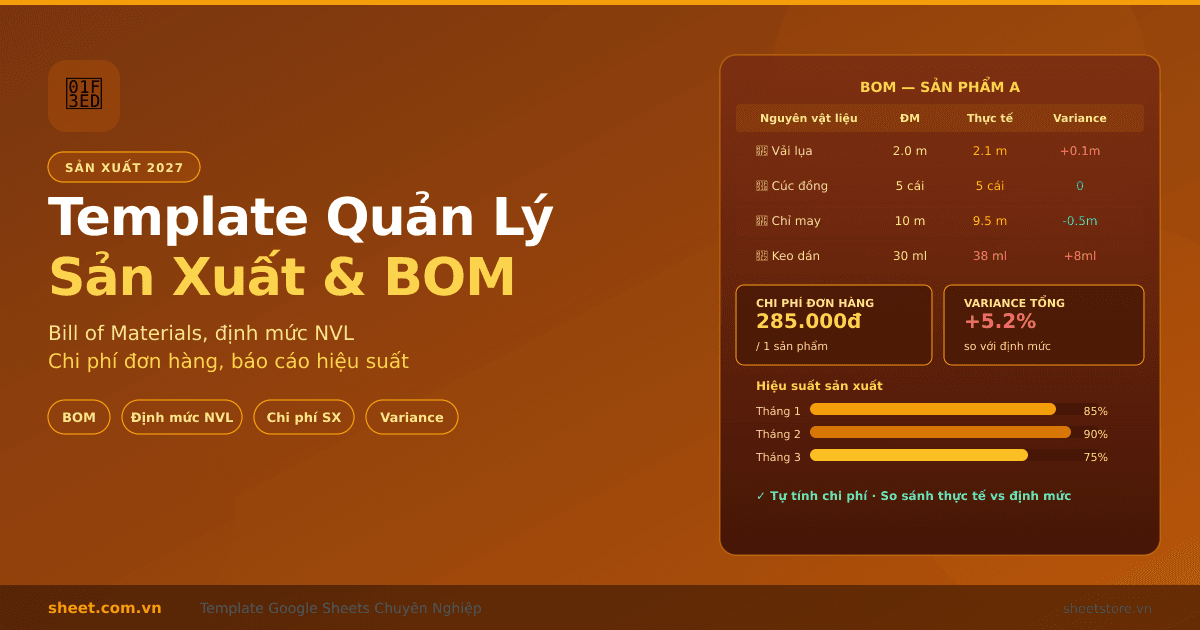
Template Google Sheets Quản Lý Sản Xuất và Định Mức Nguyên Liệu 2027
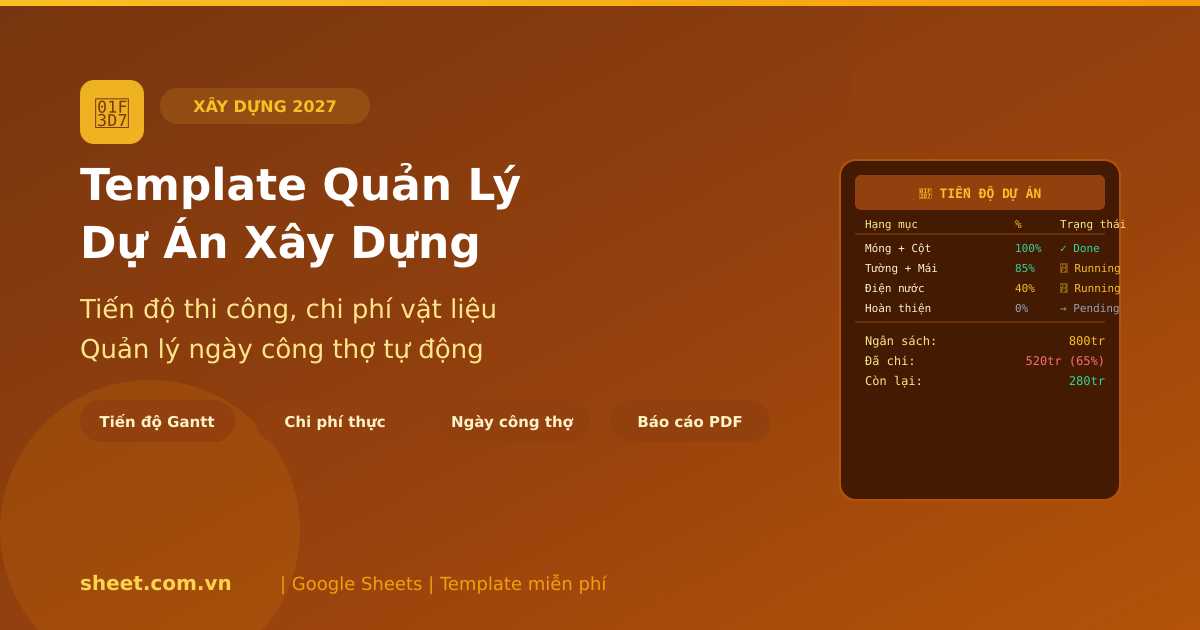
Template Google Sheets Quản Lý Dự Án Xây Dựng 2027: Tiến Độ, Chi Phí, Nhân Công
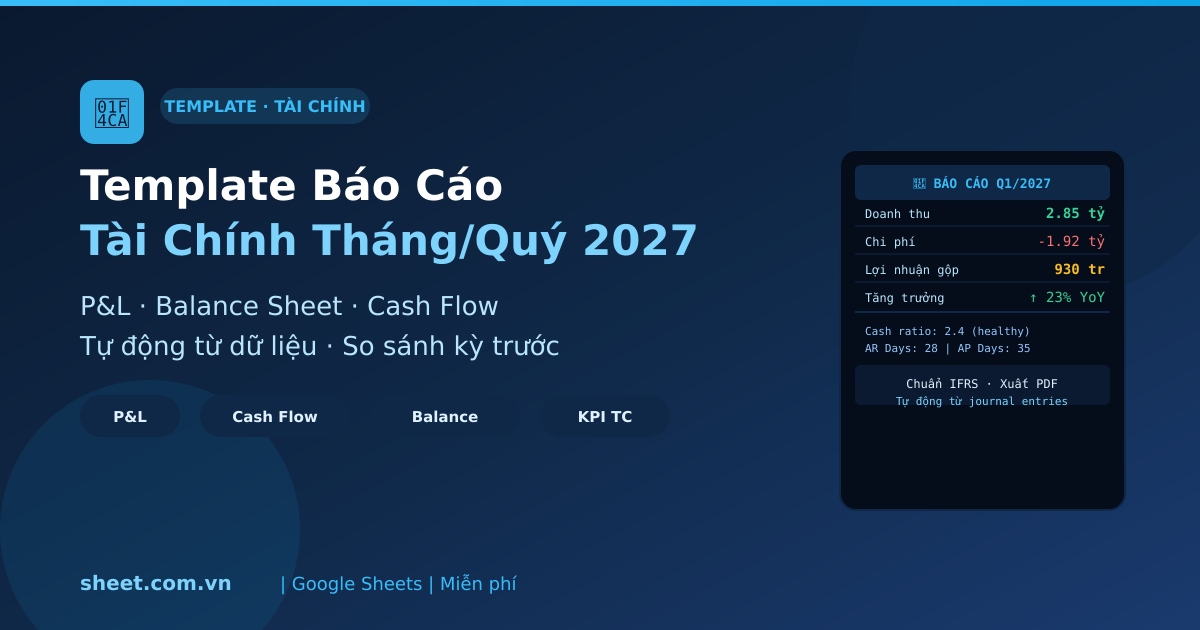
Template Google Sheets Báo Cáo Tài Chính Tháng và Quý 2027: Tự Động Từ Sổ Sách
Bạn thấy bài viết hữu ích?
Đăng ký nhận thông báo khi có bài viết mới.